
Static vs Dynamic QR Codes: What to Use for Print Materials
A common problem with "free" QR code generators: the code works fine when you test it, but stops working a few weeks later — usually after you've already printed 500 flyers or a batch of table tents. Here's why that happens and how to avoid it.
Static vs Dynamic Codes
A static QR code encodes your destination directly into the code itself. Once generated, it works permanently — there's nothing on a server that can expire or break. A dynamic code instead redirects through a tracking link, which lets you change the destination later without regenerating the code, but many free tools only offer this on a limited trial, and the code stops working once that trial ends.
For anything printed physically — business cards, signage, packaging — a static code is the safer default, since you don't want print material carrying a code that could silently break.
Where QR Codes Are Actually Useful
Restaurants use them for menus that can be updated without reprinting. Retail stores link physical displays to online product pages. Freelancers put a vCard QR code on a business card so a new contact's phone saves your details automatically. Event organizers use them for check-in and ticketing.
Making Sure It Actually Scans
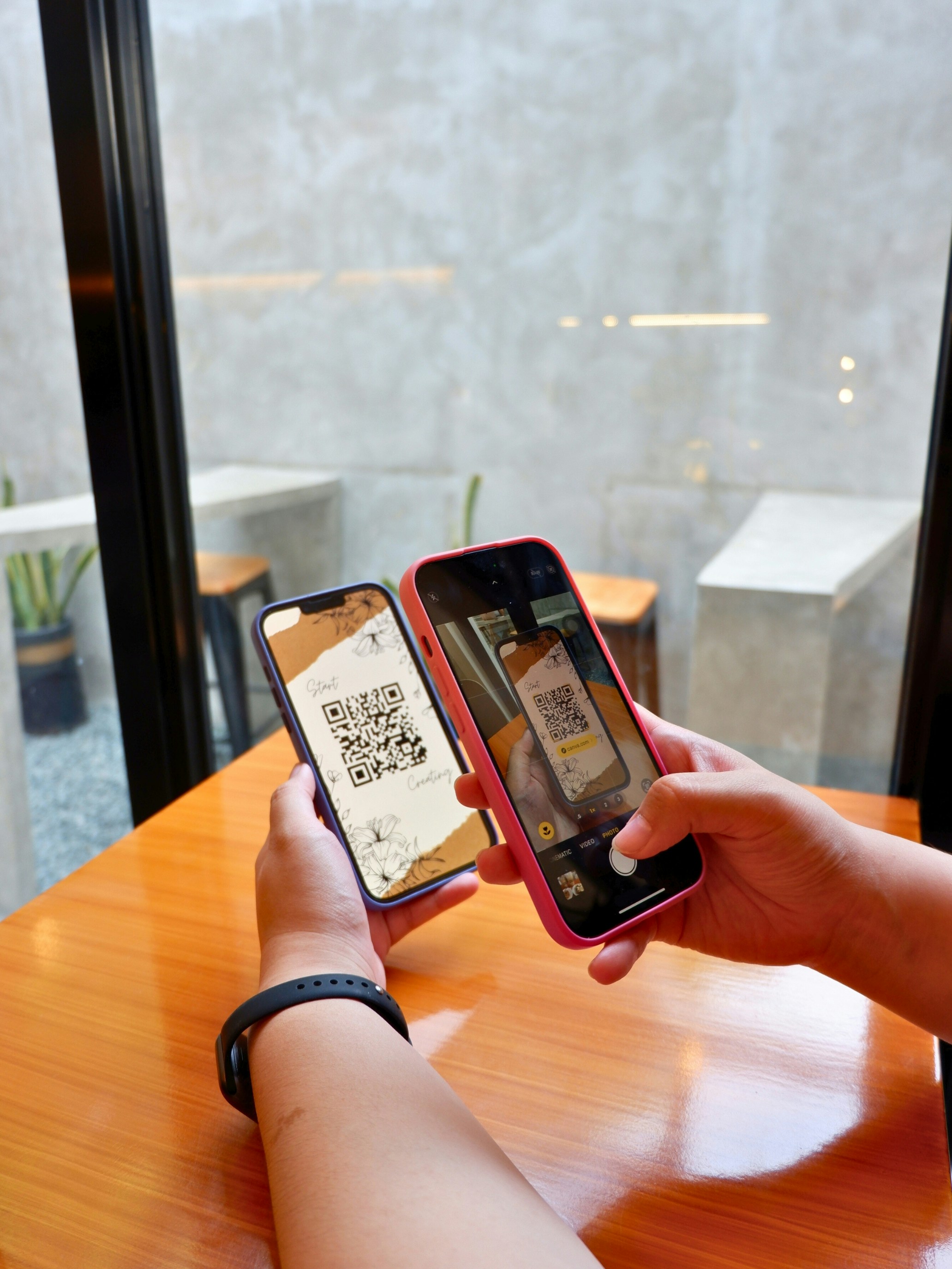
Keep strong contrast — dark code on a light background is far more reliable than the reverse. Leave a blank margin around the code (the "quiet zone"); cropping too tight causes scan failures. For print, don't go smaller than roughly 2x2cm for close-range scanning. And shorter destination URLs create a simpler, less dense code that older phone cameras read more reliably.
Generate a Permanent QR Code for Free
Our QR Code Generator creates static codes with no expiration date, lets you customize colors to match your branding, and exports in high resolution for print. No account required — paste your link, adjust if needed, and download.
You can browse all our free tools for more marketing utilities.